

Painting Contractor Software
Werx is the office software for painting contractors who want to quote fast and get paid faster. Build estimates, invoice or bill by progress, take payment online, and track crew time. Then sync it all to QuickBooks.
- Quote and invoice from the field or the office
- Progress billing for larger commercial jobs
- Two-way QuickBooks Online sync
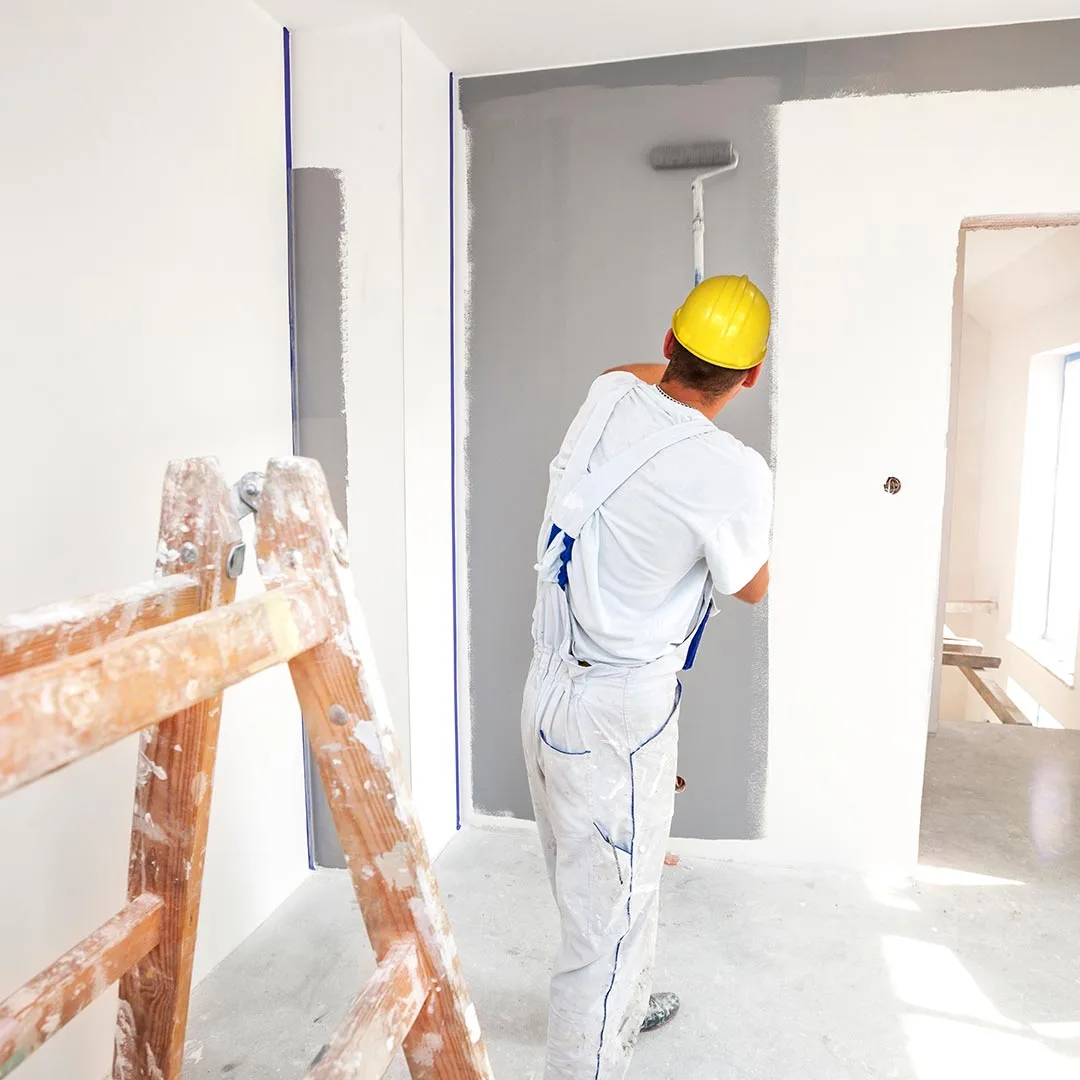
Stop the busywork
Run your painting business without the spreadsheets
Painting is a mix of quick residential repaints and bigger commercial jobs. When quotes, billing, and crew hours live in spreadsheets, work slips and cash comes in slow.
- Quote in Excel
- Invoice by hand
- Change orders unbilled
- Job costs after the fact
- Quote fast in Werx
- Bill or progress-bill
- Change orders billed
- Job costs in real time
Werx gets painting contractors out of spreadsheets. Quote, invoice or bill by progress, take payment, and track crew time in one app.
The money side of a painting business for $49 a month
Construction billing and job costing platforms publish entry prices from $149 to $599 a month, with per-user fees up to $20 and features like job costing often gated to higher tiers (as of July 2026). Werx takes the opposite approach: flat plans from $49 a month, every feature on every plan, and users are $6.
For a painting company, that is less than one room repaint a month to run the entire office side. See pricing for the full breakdown, or compare Werx to the platforms you are looking at.
- Every feature on every plan, from day one
- Estimates, invoicing, progress billing, and job costing included
- Users are $6 a month, time-only users $4, no caps
- No contracts, 14-day free trial, no credit card
Where painting contractors lose money
Most lost margin hides in quoting, billing, and crew time. Here is where it slips, and how Werx catches it.
Slow quotes lose jobs
A late quote loses the job. Build clean estimates fast and send them for online approval.
EstimatesMissed invoices
Residential jobs add up and some never get billed. Invoice each one fast so none slip through.
Invoicing and paymentsBig jobs billed late
Commercial work needs phased billing. Bill by progress instead of one lump invoice.
Progress billingUnbilled change orders
Extra coats and scope often never get billed. Werx turns field tickets into change orders.
Change ordersNo profit picture
Without job costs, you cannot tell which jobs make money. Track cost and profit per job.
Job costingChasing checks
Waiting on mailed checks slows your cash. Let customers pay by card or ACH online.
Online paymentsFeatures built for painting work
Werx gives painting contractors the office tools to quote, bill, and get paid. Just the tools a crew actually uses, done well.
- Painting estimates and proposals
- Online estimate approval
- Fast invoicing
- Progress billing for commercial jobs
- Change order tracking
- Crew time tracking
- Job costing
- Job profitability
- Online card and ACH payments
- QuickBooks integration
- Mobile field app
From quote to paid, without the paperwork
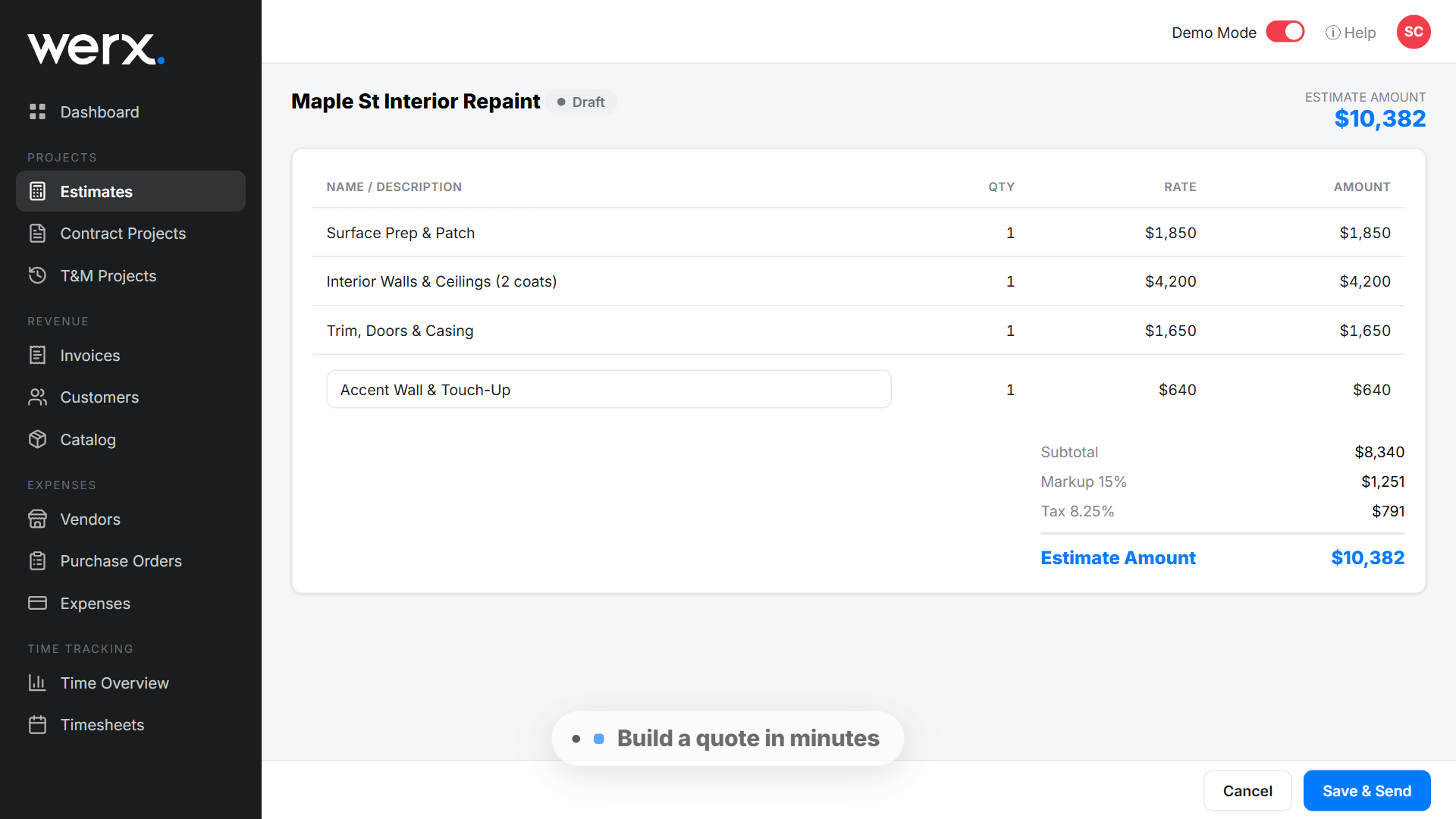
Build an estimate in minutes and send it for online approval. The customer taps approve, and you turn it into an invoice.
Invoice residential jobs in one go, or bill bigger commercial jobs by progress. Customers pay by card or ACH, and the money lands faster.
See how estimates and online payments work in Werx.
What a whole-house repaint estimate looks like
Say you are pricing an interior repaint: living room, hall, three bedrooms, ceilings, and trim. In Werx, the estimate might break down like this:
| Estimate line | Area | Rate | Line total |
|---|---|---|---|
| Walls: living room and hall | 1,400 sqft | $1.50 per sqft | $2,100 |
| Walls: three bedrooms | 1,000 sqft | $1.50 per sqft | $1,500 |
| Ceilings throughout | 800 sqft | $1.00 per sqft | $800 |
| Doors and trim | 10 doors | $65 per door | $650 |
| Total | $5,050 |
Behind that $5,050 price sits about $3,350 in cost: 60 crew hours at a $40 loaded rate is $2,400, plus roughly $950 in paint and sundries. That leaves $1,700 gross profit, which is about a 51 percent markup on cost but only about a 34 percent margin on price. The difference matters. If you had added 34 percent to cost because you wanted a 34 percent margin, you would have priced the job at $4,489 and left about $560 behind. Werx keeps the estimate, the costs, and the margin on one screen, so you see what a job really earns before you send it. Run your own numbers in the markup vs margin calculator.
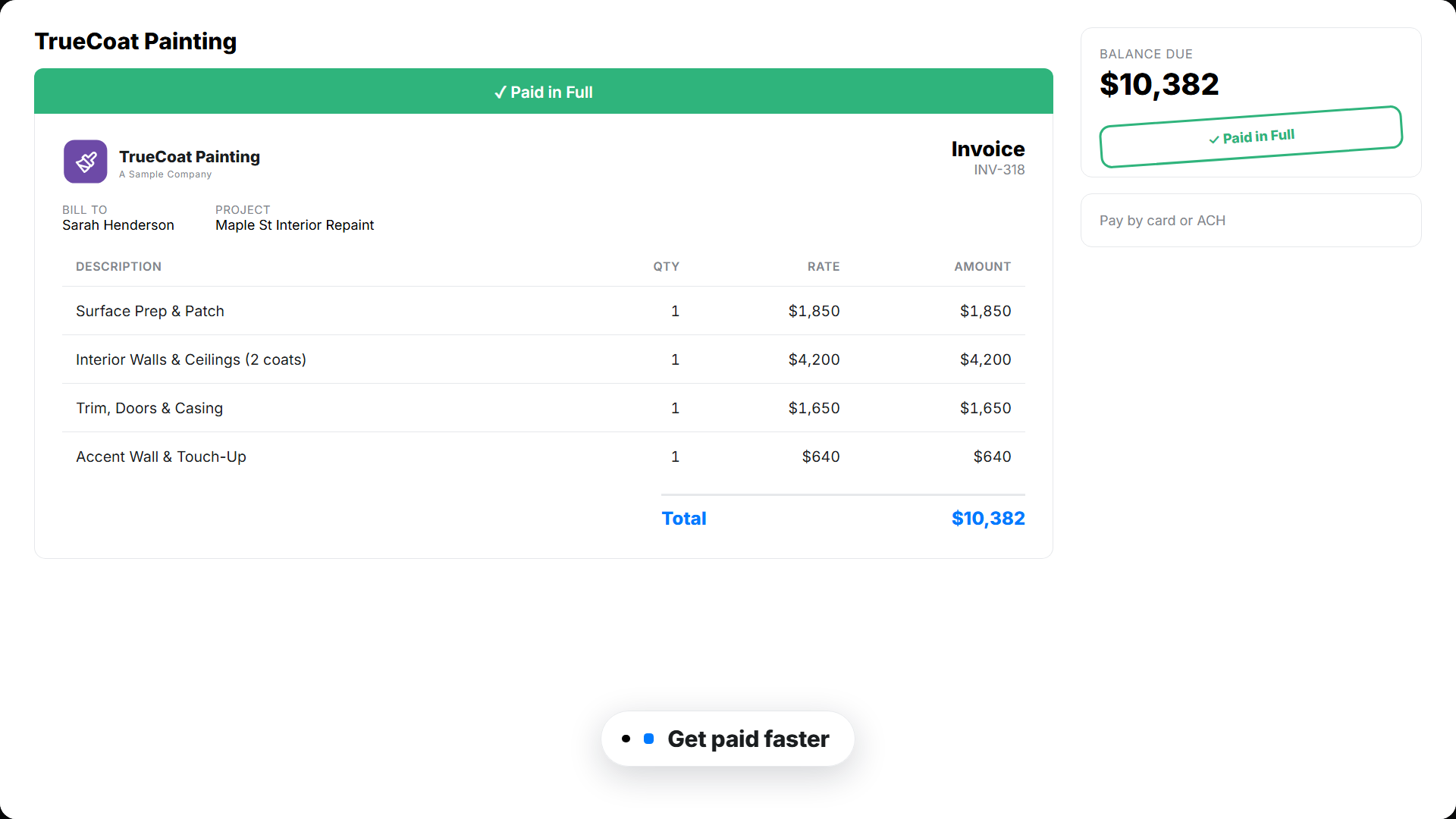
A quote and invoice your customer can approve and pay online
Your customer opens a clean, branded estimate or invoice. They approve or pay in a couple of taps. You see when they open it, so nothing stalls.
Software that runs the office side of your painting business
From the first quote to the final payment, Werx keeps your billing, costs, and cash in one place.
Estimates and proposals
Build clean estimates with your prices and send them for online approval.
Fast invoicing
Invoice residential jobs in seconds. Add line items and send from the field or the office.
Progress billing
Bill bigger commercial jobs by percent complete instead of one lump invoice.
Job costing and profit
Track cost and profit on every job, so you know what is worth keeping.
Change orders
Capture extra scope in the field, get it approved, and add it to the bill.
Crew time tracking
Crews log time by job from the Werx Field App. Labor cost updates in real time.
Free tools for pricing paint work
No signup, no catch. Use them on your next estimate, and keep the results.
Paint calculator
Figure gallons for walls and ceilings before you buy, coats and coverage included.
Run the numbersMarkup vs margin calculator
See the real margin behind your markup before the estimate goes out.
Check your marginLabor burden calculator
What a painter really costs per hour once taxes and insurance are in.
Run the numbersConstruction estimate template
A clean, itemized estimate format if you are still writing them by hand.
Get the template


Trusted by Contractors Like You

“It feels like the platform was built with real contractors in mind, not just software developers guessing what is needed.”

“It's a reliable tool that has helped me stay organized, manage tasks more efficiently, and keep projects on track.”
“Great program, user friendly and allows Project Managers easy access to monitor their project's budgets.”
Why painting contractors choose Werx
Plenty of tools do field scheduling. Werx runs the money side of the business well.
Built for the work
Made for crews doing residential and commercial painting, not a generic invoice tool.
Bill any job
Invoice small jobs and progress-bill the big ones, all in one place.
Know your profit
Cost and profit on every job, so you can price the next one right.
Works with QuickBooks
Two-way QuickBooks Online sync on every plan, at no extra cost.
One office app
Estimates, invoices, payments, time, and costs in one place.
Bill ten repaints, retype none of them
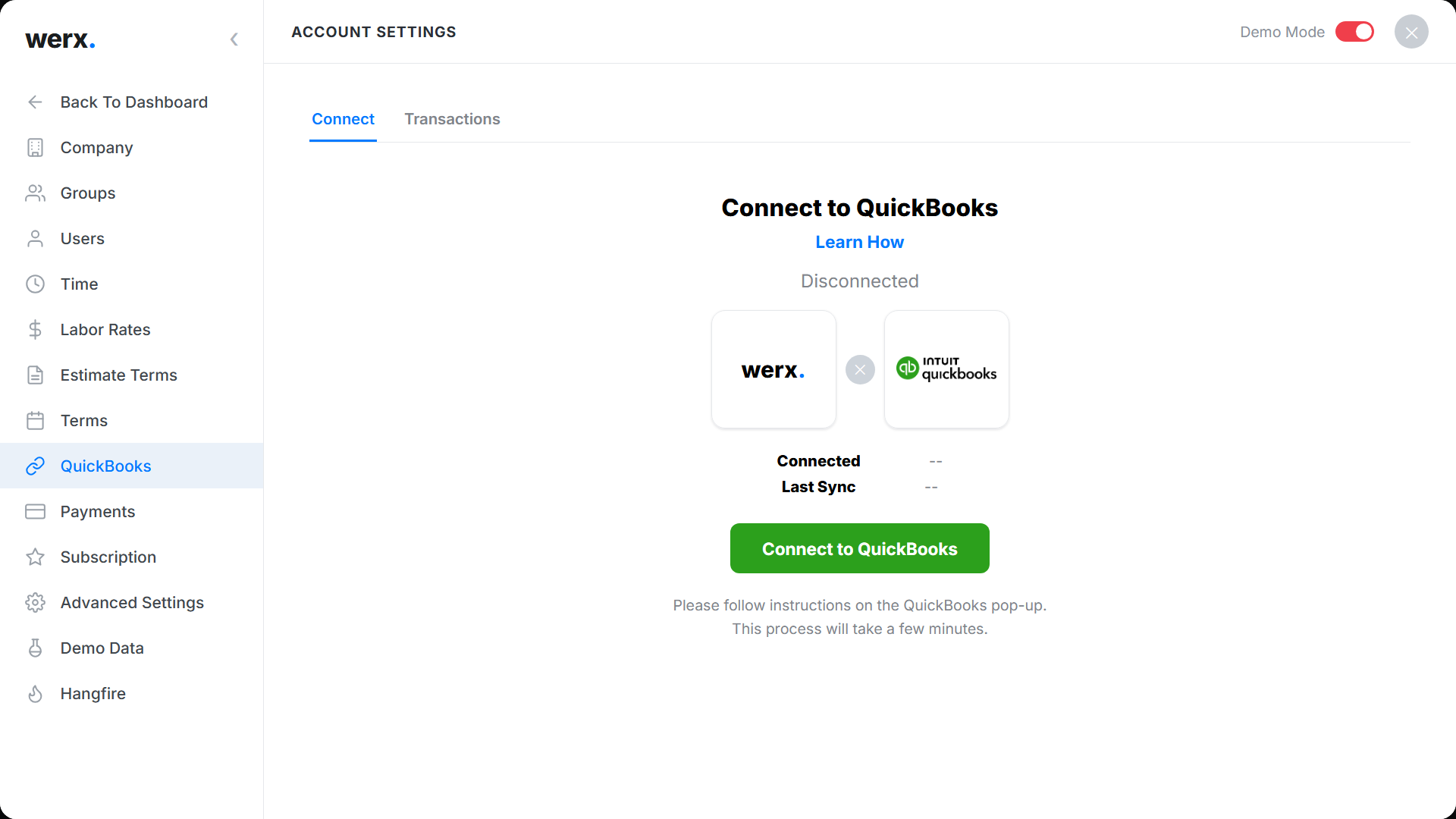
Most painting companies keep the books in QuickBooks Online, and that should not change. Werx pushes invoices, payments, and crew time into QuickBooks as they happen, and pulls customers and items back the other way. Bill ten repaints in a week and your books already show all ten, matched to the right customers, with nothing entered twice.
Painting business guides worth your time
Written for the office side of a painting company. No fluff.
Digital estimates for painters
Why paper bids lose paint jobs, and what a digital estimate changes.
Read the guideMobile time tracking for painters
Get crew hours off paper and onto the job they belong to.
Read the guidePrice jobs for profit: markup vs margin
The difference between marking up 50 percent and earning 50 percent.
Read the guideHow to create accurate construction estimates
A step-by-step method for estimates that hold up on the job.
Read the guideWhat is painting contractor software?
Painting contractor software is an office tool that handles quotes, invoicing, billing, job costs, and payments for residential and commercial painting companies. It replaces paper and spreadsheets for the money side of the business.
It is also a crowded field. The U.S. has 38,280 painting and wall covering contractor establishments per the Census Bureau's 2023 County Business Patterns, and the Bureau of Labor Statistics counted 342,200 painters employed in 2024, with about 28,100 openings projected each year through 2034. Standing out in a field that size takes fast estimates and clean billing.
Werx fits both sides of painting work. Quote and invoice residential repaints fast, and bill bigger commercial jobs by progress.
Take payment online, track crew time from the field, and see job costs on every job. You quote, bill, and get paid from one place.
FAQ - Painting Contractor Software
Is Werx painting invoicing software?
Yes. Werx invoices jobs fast, takes card and ACH payments online, and tracks what is paid and overdue.
Can I build painting estimates and proposals?
Yes. Build clean estimates with your prices and send them for online approval, then turn the won job into an invoice.
Can Werx bill bigger commercial jobs?
Yes. Bill large jobs by percent complete with progress billing instead of one lump invoice.
Can my customers pay online?
Yes. Werx connects to Stripe, so customers pay by credit card or ACH right from the invoice.
Can Werx track my crew's time?
Yes. Crews log time by job from the Werx Field App, so labor cost and payroll stay accurate.
Does Werx sync with QuickBooks?
Yes. Werx syncs two ways with QuickBooks Online. Invoices, payments, and time flow into your books, included on every plan.
What is the best estimating software for painting contractors?
The best fit depends on your mix of work. Werx builds itemized estimates with your rates for repaints and commercial jobs alike, sends them for online approval, and turns the win into an invoice or progress bill, so estimating and billing live in one place.
Does Werx handle commercial painting jobs?
Yes. Bill commercial work by percent complete with progress billing, capture change orders, and watch job costs while the job runs. Residential repaints invoice in one go.
What accounting software do painting businesses use?
Most run QuickBooks Online for the books plus a contractor app for estimates, billing, and job costs. Werx is that second piece, and it syncs two ways with QuickBooks so nothing is entered twice.
Does Werx schedule my painting crews?
No. Werx does not do crew scheduling or dispatch. It runs estimates, invoicing, progress billing, job costing, crew time, and payments, which is the side of the business where margin is won or lost.
What is painting contractor software?
Painting contractor software is the office tool that handles quotes, invoicing, job costs, and payments for a painting company. Some platforms focus on crew scheduling; Werx focuses on the money side, from fast residential quotes to progress billing on commercial jobs.
How much does Werx cost for a painting business?
Plans start at $49 a month with every feature included, and extra users are $6 a month. There is no contract and no feature gating. Start with a 14-day free trial, no credit card required.
Simple to use. Free to try.
No credit card required · Free migration assistance · Cancel anytime