A digital estimate is a paint quote you build and send from painting software instead of paper. It speeds up quoting, cuts math errors, and helps you win more jobs. Homeowners tend to pick the contractor whose bid looks clean and clear.
Most painters still lose hours building quotes by hand. A digital tool gives you that time back. It also makes your business look sharp next to a rival scribbling numbers on a clipboard.
This guide covers how digital estimates work, what they should include, and when they pay off. For the broader view, see our guide to digital estimates in construction.
What is a digital estimate for painters?
A digital estimate is an electronic quote built in software. It lists the cost of labor, paint, materials, and time for a job. You send it to the client by email or a shared link instead of handing over paper.
The format does more than look nice. It pulls your rates and line items automatically, so the math is right every time. It also keeps a record you can reuse on the next job.
How do digital estimates work?
The process is simple once your rates are set up. Here is the flow most painting contractors follow.
1. Walk the job. Measure the space, check surface condition, and note client requests. 2. Build the quote. Enter labor rates, paint and material costs, and any prep work. Our free paint calculator figures the gallons from your measurements. 3. Customize it. Add color choices, paint grades, coats, and extra services. 4. Send and track. Share the estimate by email or link and see when the client opens it.
Contractor software like Werx handles each step in one place. See how the estimates feature builds and sends quotes fast.
What should a painting estimate include?
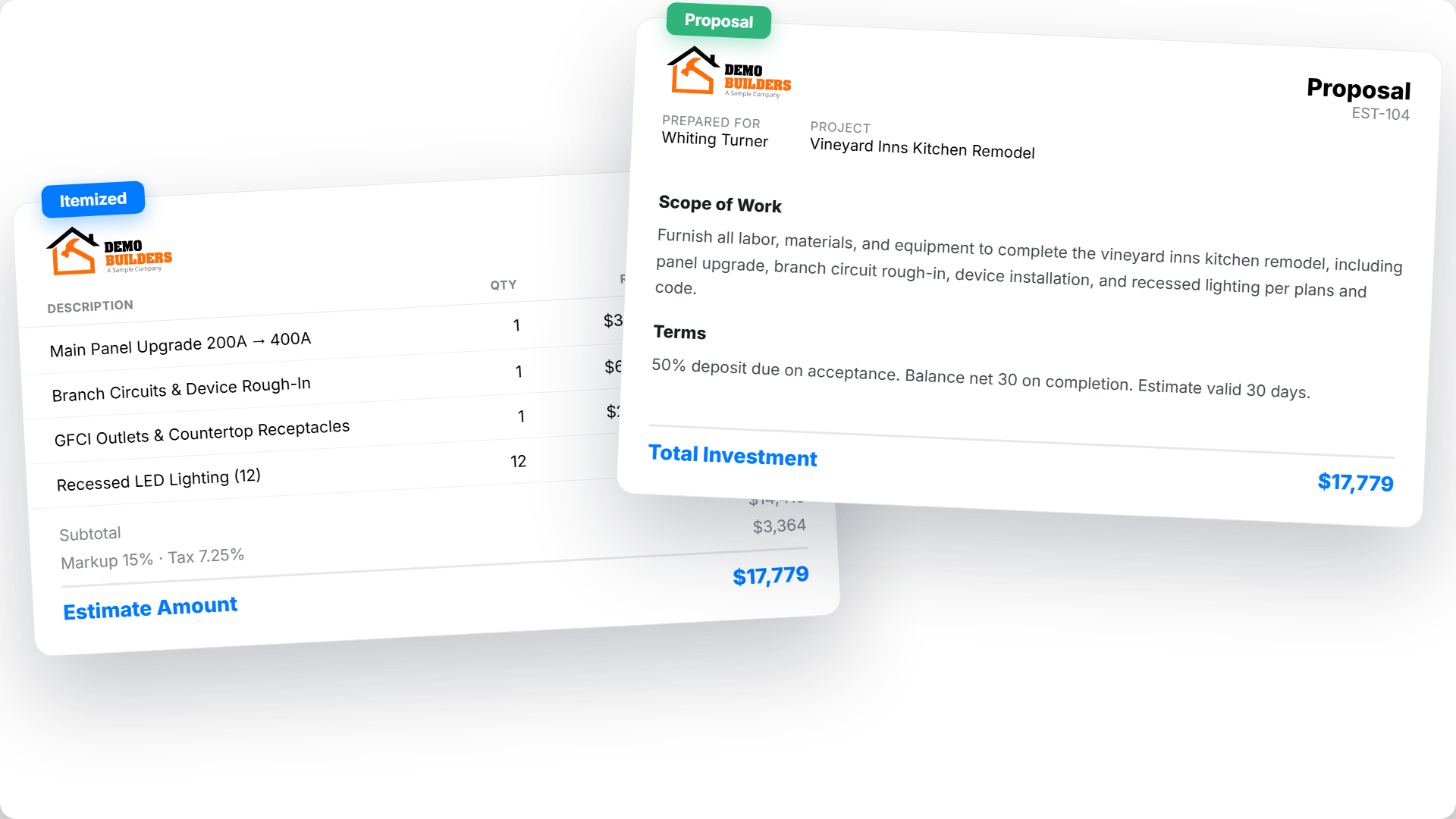
A clear estimate prevents disputes later. Itemize the job so the client sees exactly what they pay for. Include these line items:
- Surface prep: scraping, sanding, patching, and masking
- Primer: type and number of coats
- Paint: brand, grade, finish, and coats
- Labor: crew hours and rate
- Materials: brushes, rollers, tape, and drop cloths
- Cleanup: haul-away and site cleanup
Itemized quotes build trust and make it easy to compare your bid against others. For the full method, read how to create accurate construction estimates.
Why digital estimates win more painting jobs
Speed
You can build a quote in minutes, not hours. Saved templates and line items do the heavy lifting. That speed lets you bid more jobs each week.
Accuracy
Automated math means no more pricing yourself short. The software adds up labor, paint, and markup the same way every time. Pull from past jobs to sharpen future numbers.
A professional look
A branded, itemized estimate signals a well-run business. Clients compare more than price. A clean quote with your logo and clear terms wins trust before you lift a brush.
Faster client decisions
Send the quote the same day and the client can approve it on their phone. Pair it with payment processing so they can put down a deposit on the spot.
How estimates connect to the rest of the job
A good estimate does not stop when the client says yes. It becomes the baseline for the work. Track crew hours against it with time tracking so you know your real labor cost.
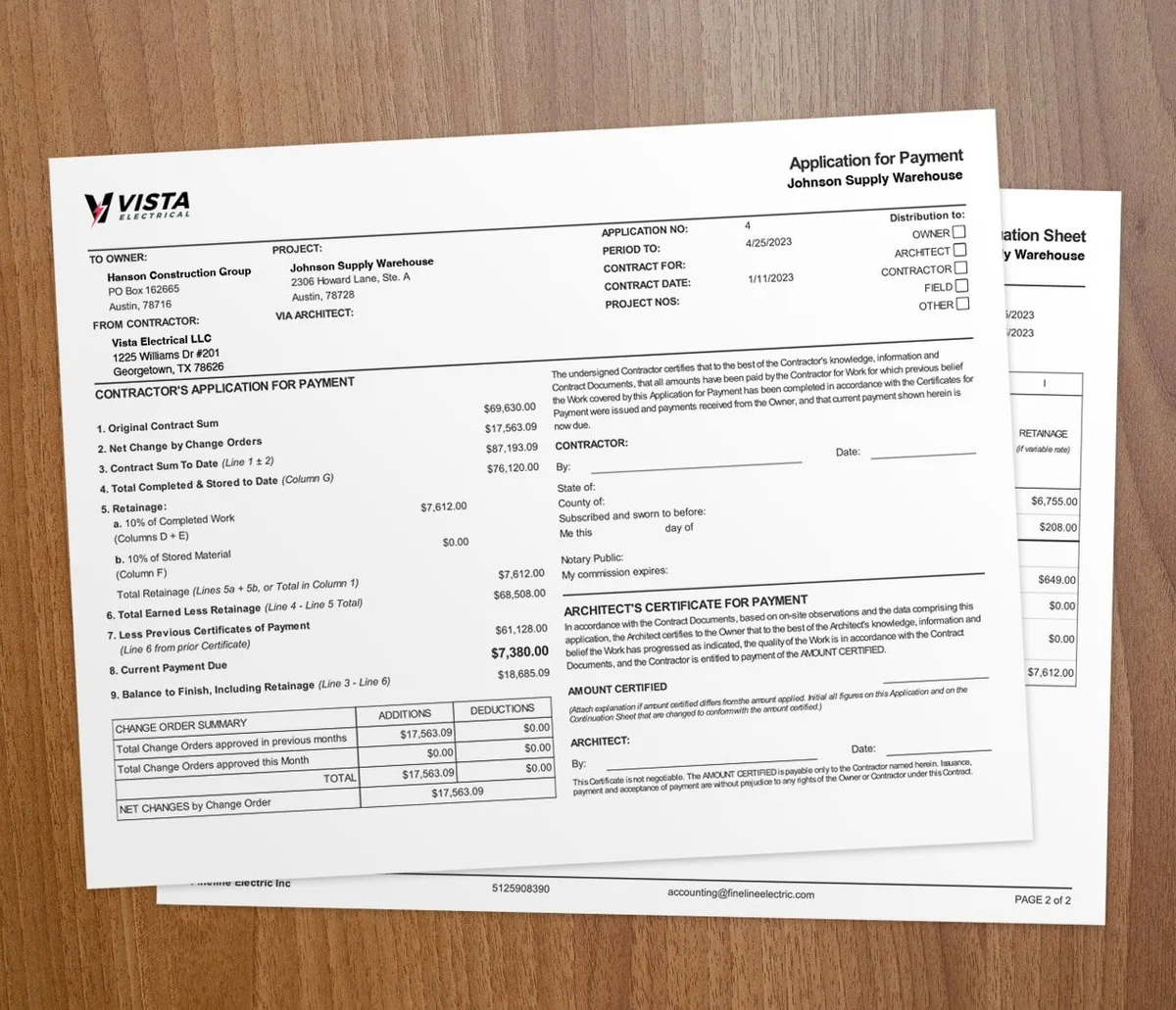
When the job wraps, your numbers flow into invoicing without re-entering data. For larger commercial paint jobs, AIA-style billing keeps your pay applications in the format owners expect. Roofers face the same workflow; see our tips for digital roofing estimates for ideas you can borrow.
When should painters switch to digital estimates?
Switch as soon as you bid more than a few jobs a week. The time you save on quoting pays for the tool fast. If you are losing bids to slicker-looking competitors, that is another sign.
Paper still works for a tiny one-room touch-up. But for repaints, exteriors, and multi-room jobs, a digital estimate looks better and prices tighter. For more on dialing in your numbers, see mastering accurate project estimates.
Key takeaways
- A digital estimate is an electronic paint quote built and sent from software.
- It speeds up quoting, cuts math errors, and looks more professional than paper.
- Itemize prep, primer, paint, labor, and cleanup so clients see what they pay for.
- The estimate becomes the baseline for time tracking and final billing.
- Contractor software like Werx builds, sends, and tracks quotes in one place.