

Get paid in minutes, not weeks
Include a payment link with every invoice. Clients pay by credit card or e-check/ACH through Stripe. Typical payout in two business days.
Contractors using Werx online payments cut their average collection time from weeks to days. Every invoice includes a pay link. Clients pay from their phone. Money hits your account in two business days.
Start 14-Day Free TrialFrom invoice to deposit in 3 steps
1. Send the invoice
Email any Werx invoice. The payment link is included automatically.
2. Client pays online
Clients choose credit card or e-check/ACH. Payment takes minutes.
3. Funds hit your account
Stripe deposits funds in about two business days. No chasing. No waiting.
Payment links on every invoice
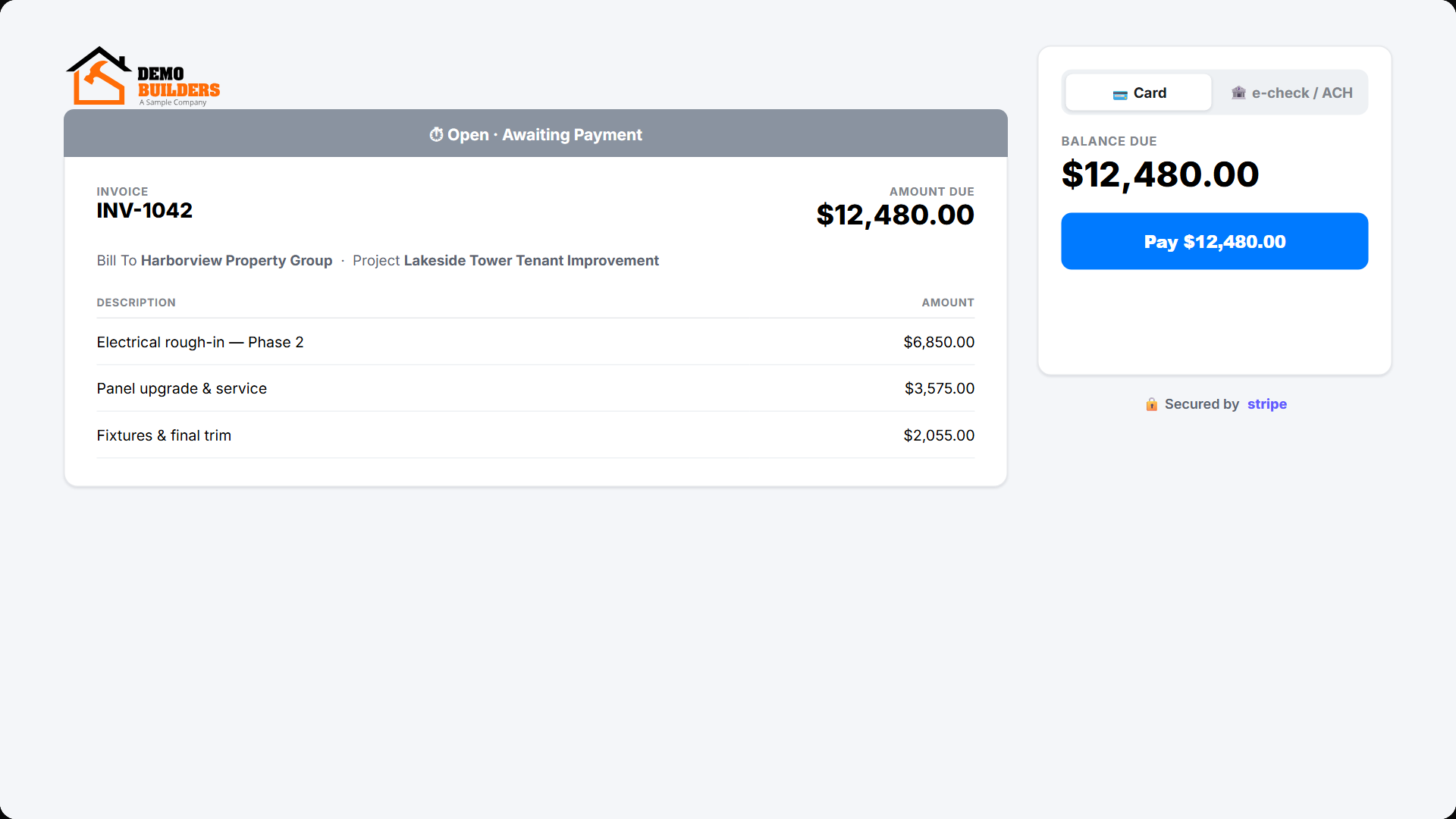
Every invoice from Werx includes a Stripe payment link. Clients click, fill out a form, and pay in minutes. Works on progress invoices, T&M invoices, AIA-style pay apps, and retainage releases.
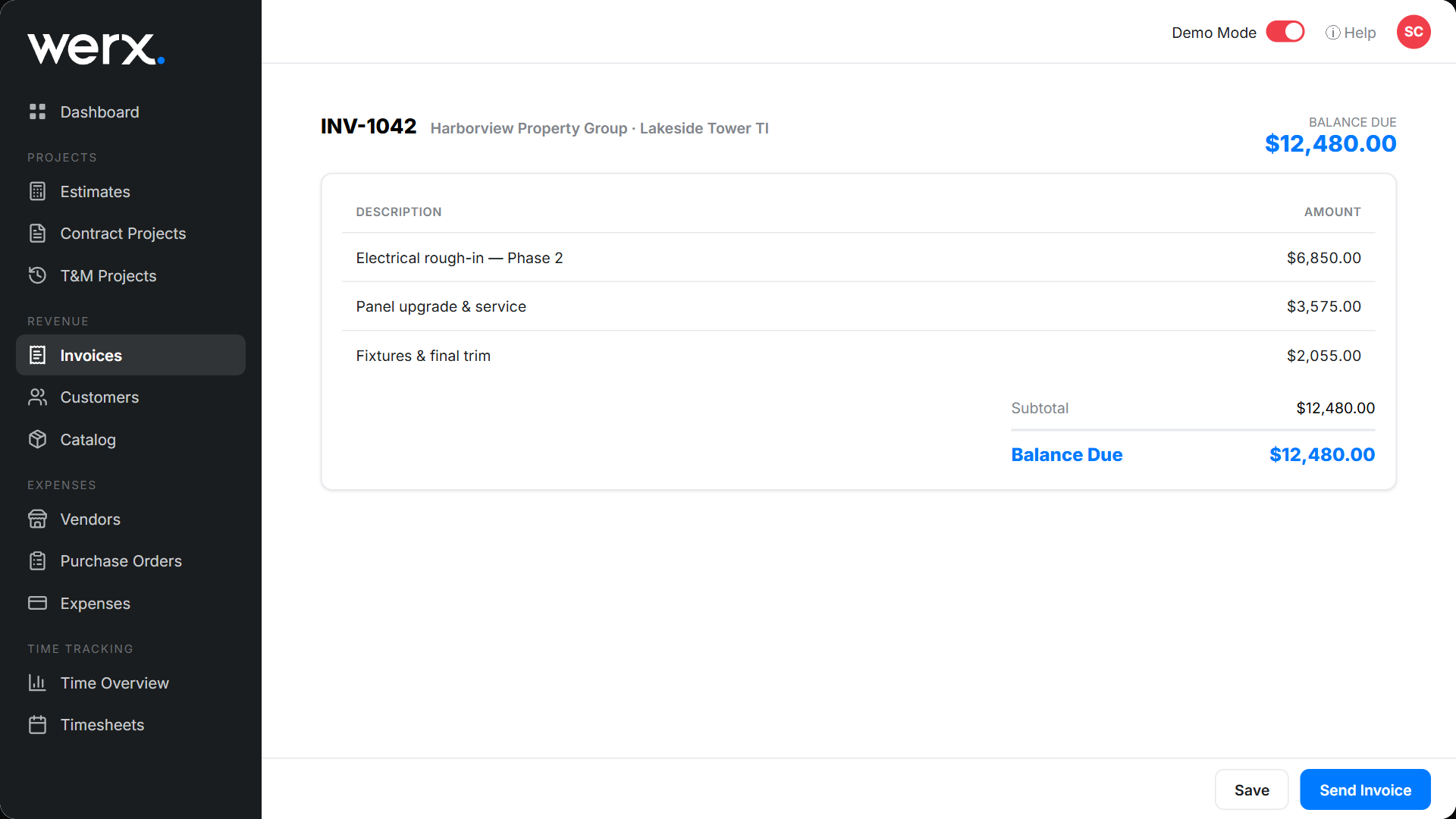
Credit card and e-check/ACH
Give clients the option they prefer. Credit cards for convenience. E-check/ACH for lower fees on large invoices. Both process through Stripe. Funds go directly to your bank account.
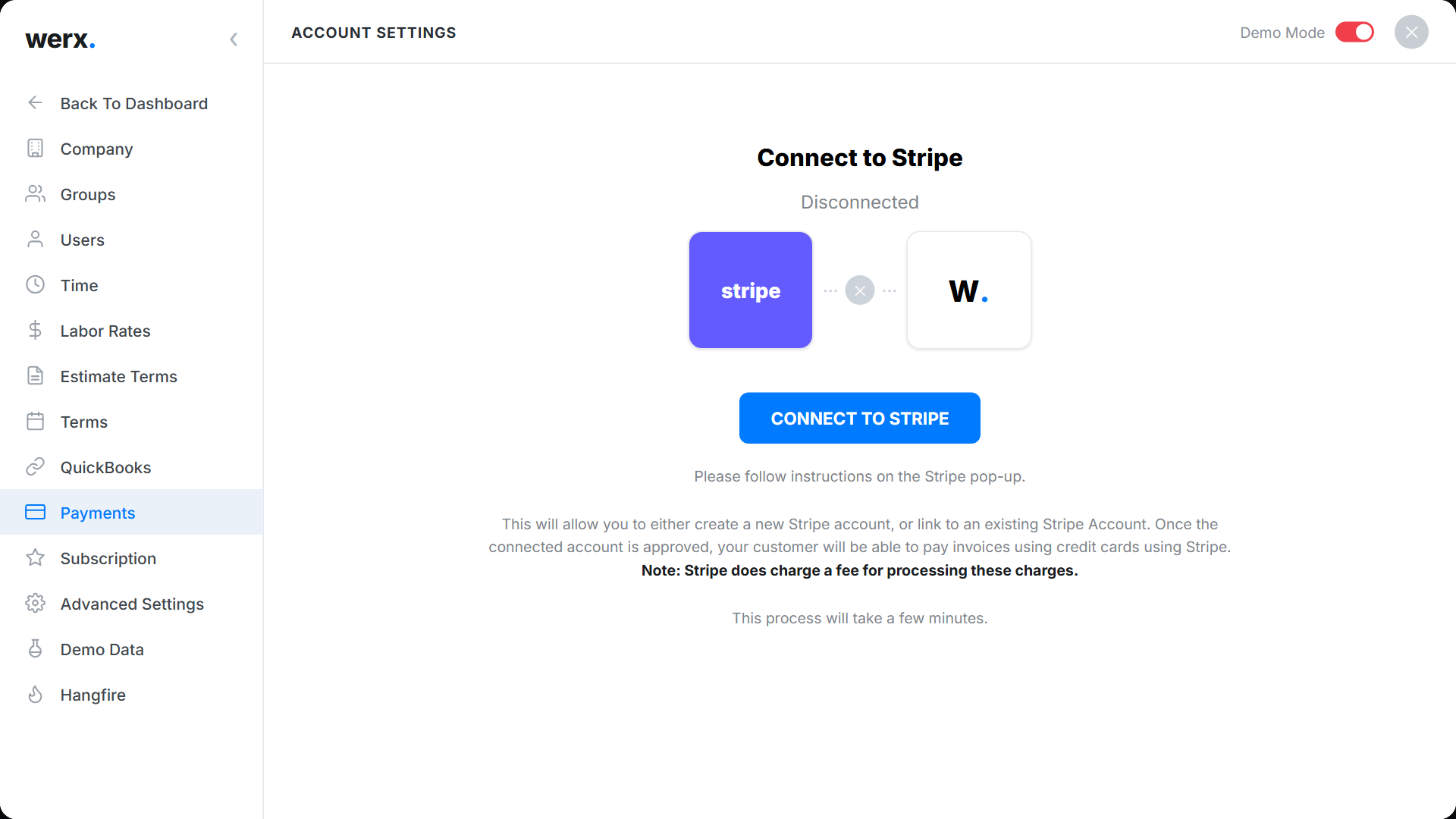
Powered by your own Stripe account
Werx connects to Stripe, the payments platform trusted by millions of businesses. Create a new Stripe account inside Werx or link an existing one. You keep full control of your account, payouts, and bank, while Stripe handles secure card processing and fraud protection. Werx adds a pay link to every invoice and records the payment when it clears.
Faster payments, healthier cash flow
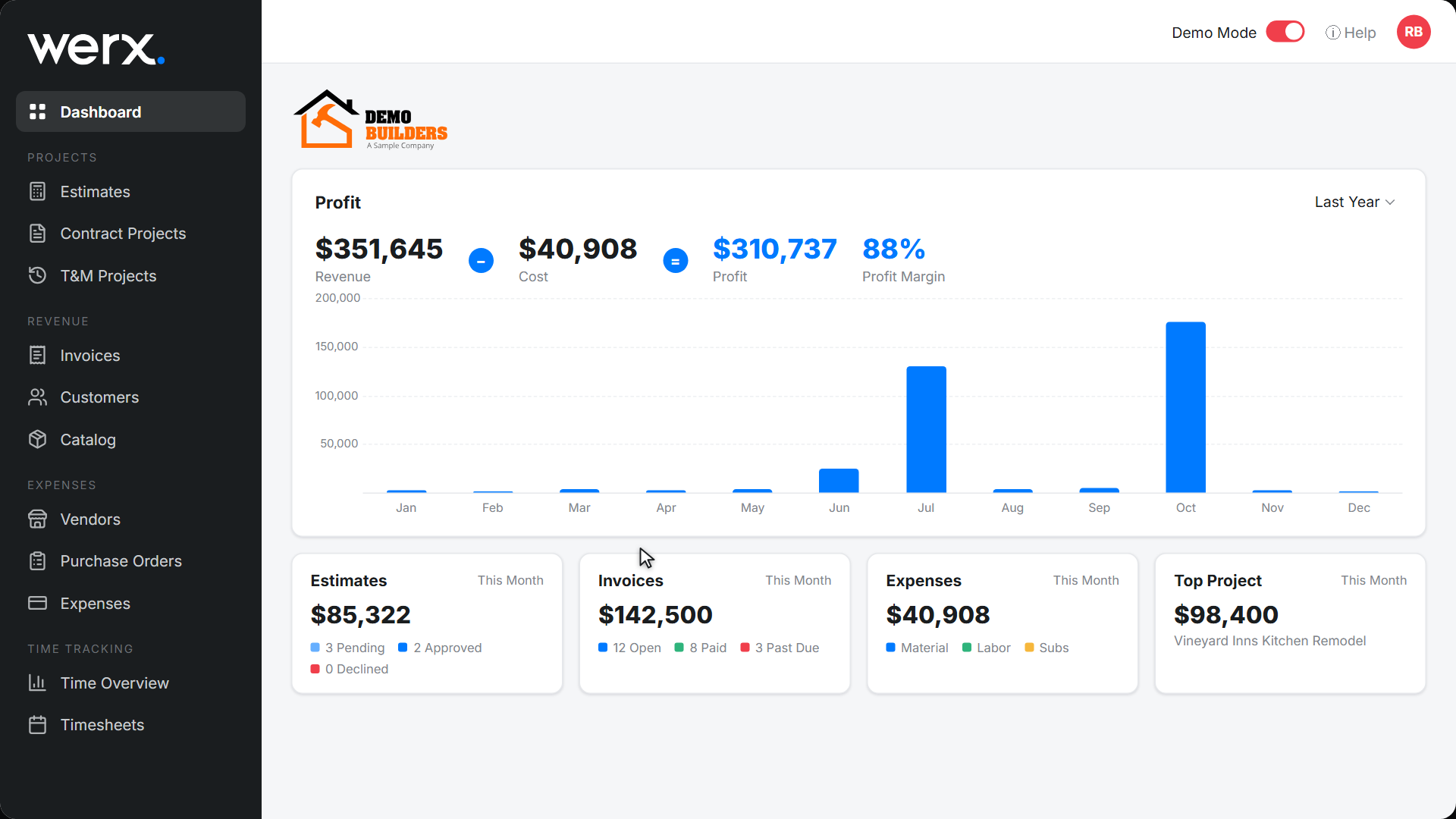
Online payments cut the time between invoice and deposit. Fewer collection calls. Less time chasing money. More time on the job site.
Faster payments, less admin
Automatic payment links
Every invoice includes a pay link. No extra steps.
Credit card & ACH
Give clients the option they prefer.
Two-day deposits
Funds arrive in your bank account fast.
No Werx markup
Standard Stripe fees only. No extra charge from Werx.
Works with all project types
Progress, T&M, AIA-style, and retainage invoices all support payments.
Quick Stripe setup
Create or connect a Stripe account in minutes inside Werx.
Payment processing questions
What payment methods can clients use?
Credit card or e-check/ACH. Both are processed securely through Stripe.
Do I need a separate Stripe account?
You use your own Stripe account. Create one inside Werx in minutes or connect an existing account, and you keep full control of payouts, refunds, and your bank.
Does Werx charge extra for payments?
No. Standard Stripe processing fees apply. Werx does not add a markup.
How do clients get the payment link?
It is included automatically when you email an invoice from Werx.
How fast do I get paid?
Funds deposit into your bank account in about two business days (standard Stripe schedule).
Does it work with all project types?
Yes. Progress billing, T&M, AIA-style pay apps, and retainage invoices all include payment links.
Contractors love Werx for online payments

“Great for billing management, processing and applying payments to the project.”

“It feels like the platform was built with real contractors in mind, not just software developers guessing what is needed.”
“Great program, user friendly and allows Project Managers easy access to monitor their project's budgets.”
Ready to get paid faster?
Start your 14-day free trial. No credit card required.
No credit card required · Free migration assistance · Cancel anytime