QuickBooks integration links your estimating, time, and billing tools to your books. Data flows both ways, so you stop entering it twice. You get current job costs and faster, cleaner reports.
QuickBooks is the most used accounting software among small to midsized contractors. It is powerful, familiar, and well supported. But on its own, it leaves you with double entry, reconciliation headaches, and slow financial visibility. Connecting it to your QuickBooks integration tools fixes that.
What goes wrong when systems do not connect?
When your estimating, time tracking, and invoicing tools do not talk to your books, your team retypes data by hand. That causes a few problems:
- Double data entry wastes office time and adds typos
- Delayed updates mean reports do not match the current job
- Reconciliation burden forces someone to check that both systems agree
- Inconsistent records create confusion about which system is right
For construction work, where money accuracy drives profit, these are not just annoyances. They drain profit on every job.
Key benefits of QuickBooks integration
1. Automatic data sync
When your field tools connect to QuickBooks, data moves on its own. Invoices created in your platform appear in QuickBooks without manual entry. Payments post in both systems at once. That removes the lag and errors of hand transfers.
2. Accurate job costing
Integration sends labor costs from time tracking and material costs straight into QuickBooks, tagged to the right job. You get real-time job costing without the manual sorting. To see how this protects margins, read about real-time job costing.
3. Simpler tax prep
When your data is consolidated and tagged right in QuickBooks, tax prep gets easier. Your accountant spends less time sorting records. That often means lower accounting fees.
4. Real-time financial visibility
Integration gives you up-to-the-minute numbers. You can check open invoices, job costs, and cash position any time. That helps you make faster, better calls.
5. Lower admin costs
The hours your staff spend moving data and fixing errors can go elsewhere. Think client follow-up, collecting open invoices, or chasing new work.
What syncs to QuickBooks?
A solid QuickBooks integration should handle:
- Customer records kept the same in both systems
- Invoices created in your platform, flowing to QuickBooks
- Payments recorded in either system, reflected in both
- Expense data from time and material jobs, tagged to the right QuickBooks job
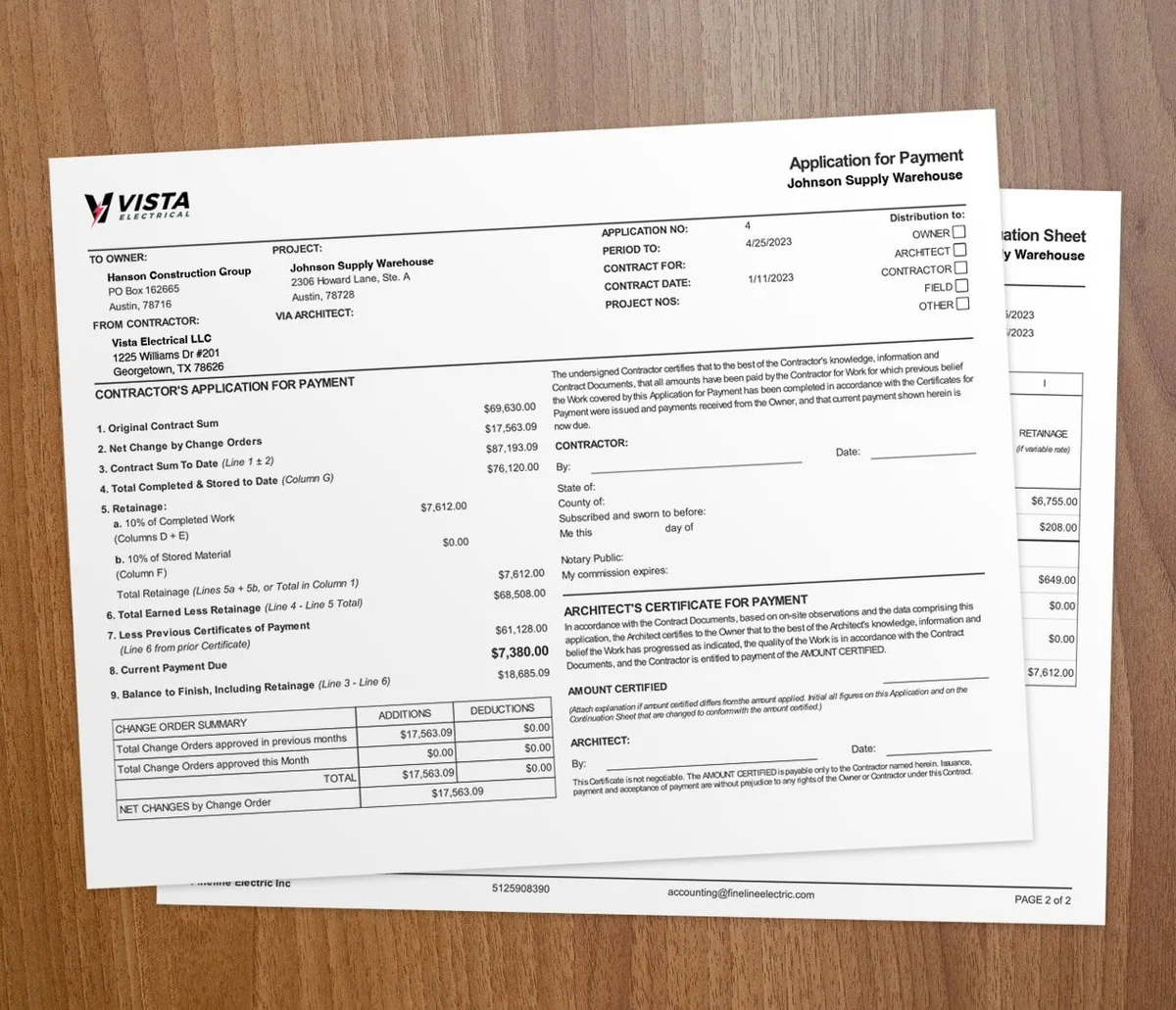
- AIA billing applications from your AIA billing feature, synced for accurate progress billing records
How do you set up QuickBooks integration the right way?
Start clean
Before you connect, tidy your QuickBooks data. Make customer names, job names, and your chart of accounts consistent. This prevents duplicates and mapping errors.
Map your accounts carefully
Take time to map accounts between your field tools and QuickBooks. Correct mapping puts revenue and expenses in the right buckets automatically.
Reconcile regularly
Even with auto-sync, reconcile on a schedule to catch sync issues. A monthly review keeps both systems in agreement.
Train your team
Make sure everyone who touches money understands the workflow. Write down which system is the source of truth for each data type, then train staff on it. New to QuickBooks pain? See why contractors struggle with QuickBooks.
When should you connect QuickBooks?
Connect when your office retypes the same numbers into QuickBooks every week. If estimates, timesheets, and invoices live in separate tools, integration pays off fast. It also helps when you run several jobs and need current job costs.
A one-person shop with a handful of monthly invoices may not need it yet. Once you add crews and contract jobs, contractor software like Werx plus QuickBooks Online is the safer setup. Pick a tool with two-way sync, near real-time updates, clear error alerts, and support for construction work. For a deeper look, see our QuickBooks integration guide for contractors.
Key takeaways
- QuickBooks integration syncs customers, invoices, payments, and job costs both ways.
- It removes double entry and keeps your reports current.
- Labor and material costs flow to the right job for real-time job costing.
- Clean data and careful account mapping prevent duplicates and errors.
- Contractor software like Werx adds the construction features QuickBooks lacks.