QuickBooks struggles with construction because it was built for general bookkeeping, not jobsites. It is slow to set up, shows job costs too late, and skips tools contractors use every day. Here is where it falls short, and how to close each gap.
QuickBooks is hard to set up
QuickBooks is tough to set up without accounting experience. Even with it, every construction business is different. Finding the right settings and preferences takes real effort.
The learning curve is the biggest hurdle for most crews. Staff can take weeks or months to get comfortable. That time is better spent on jobs.
Many contractors hire an accountant just to set it up. They pick the templates and connect your other tools. That is more cost before you bill a single job.
Job costs show up too late
| Cost code | Budget | Actual to date | Variance | |
|---|---|---|---|---|
| Labor | $38,000 | $41,300 | -$3,300 | |
| Materials | $27,500 | $26,100 | +$1,400 | |
| Subcontractors | $18,000 | $18,000 | $0 | |
| Equipment & other | $6,500 | $7,050 | -$550 |
QuickBooks tracks income and expenses by job. But it often shows true job costs only after the job ends. That lag is a real problem.
You need real-time cost data to see where money is going. It tells you if you are billing right or need a change order. Without it, you find out too late.
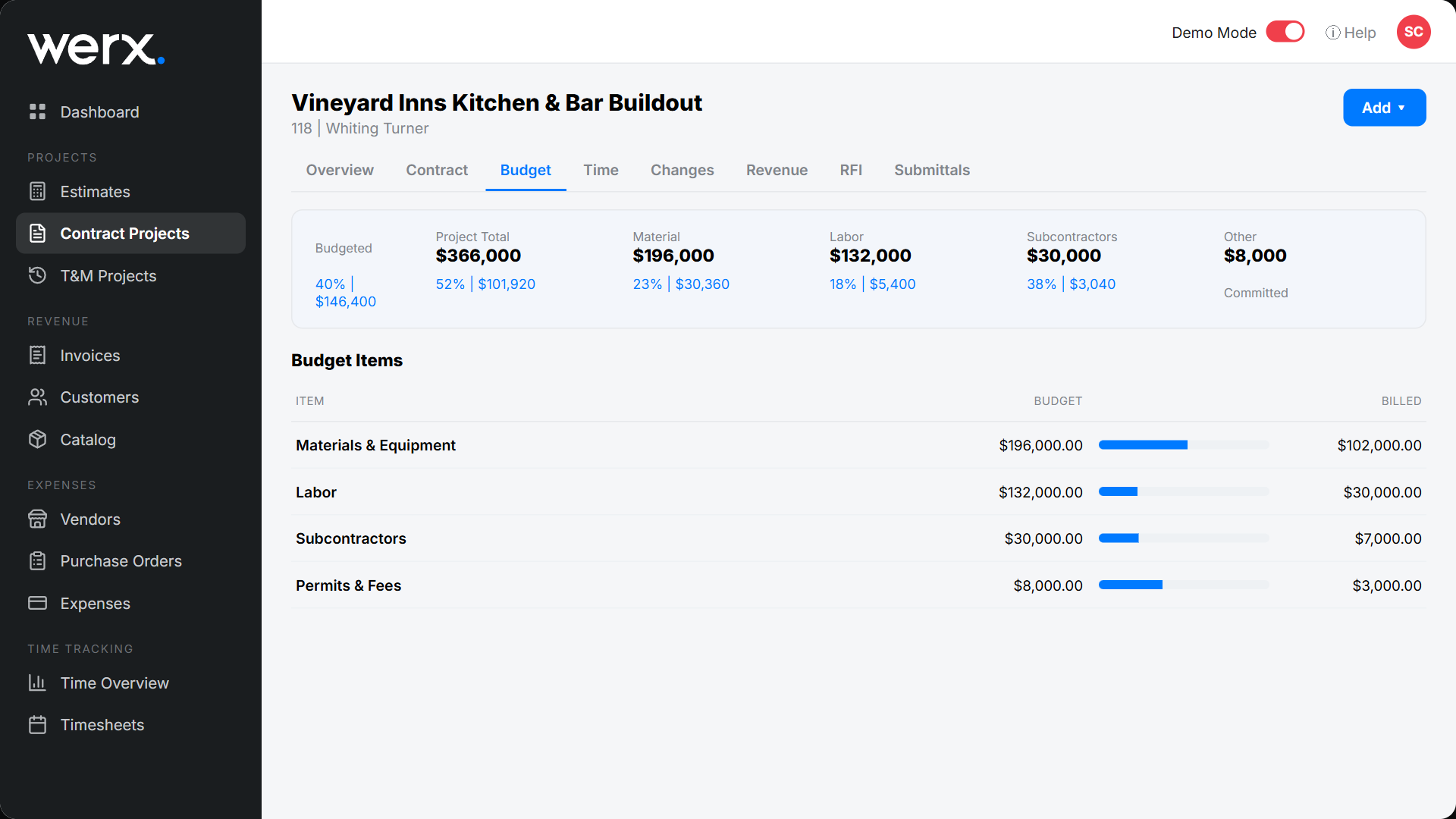
Contractor software gives a cost breakdown per job as the work happens. That clear view helps you spend smart and catch overruns early. Your numbers match how the job is really going. If you are not ready for software, our free job cost tracker template covers the per-job basics.
Per-job billing fights monthly invoicing
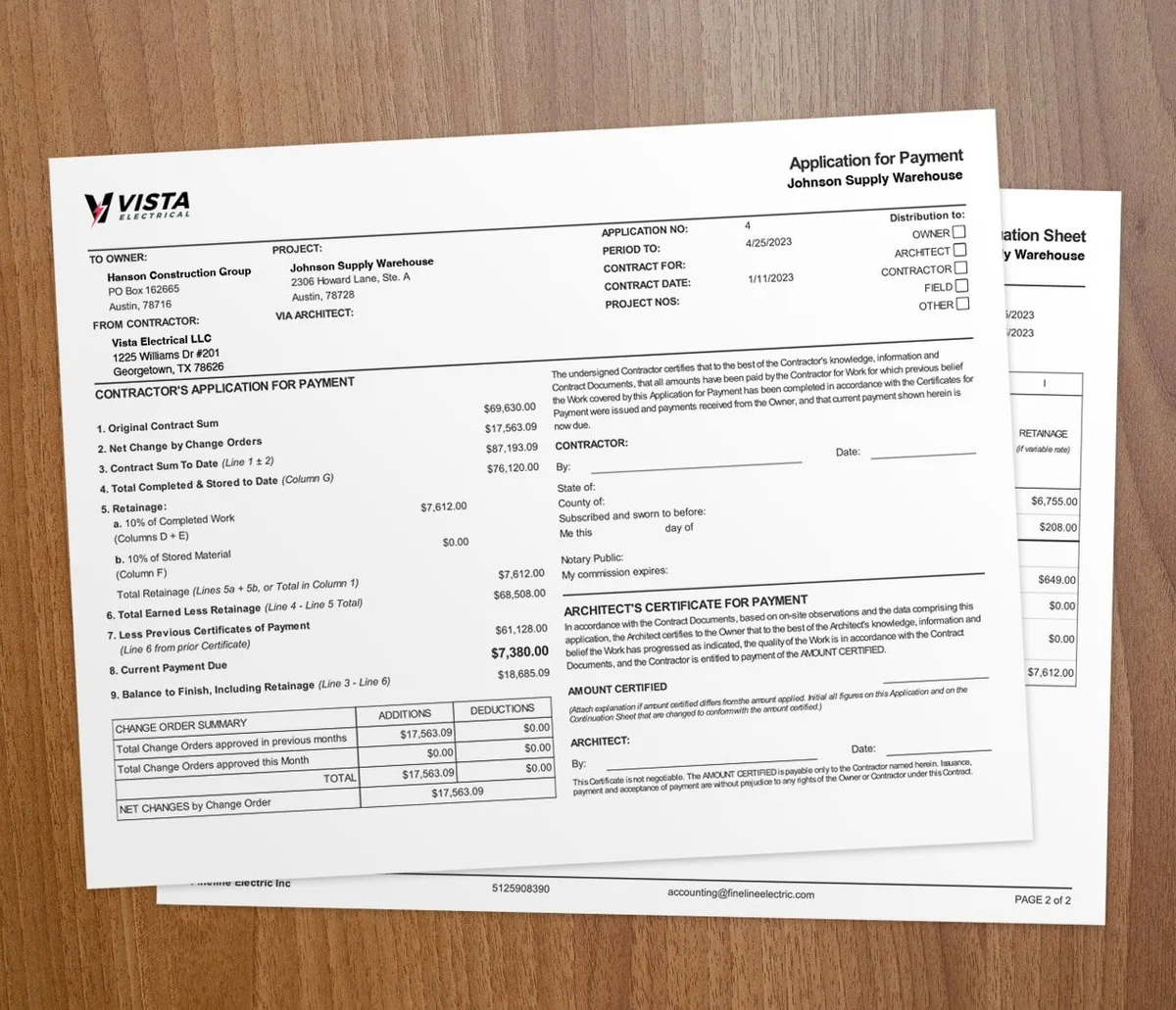
Construction work is billed per job. QuickBooks leans on monthly invoicing. That makes per-job tracking harder than it should be.
It also lacks built-in templates for construction reports. There is no ready job cost analysis or progress billing layout. Many contractors burn hours building custom reports instead.
Change orders are hard to track
A pile of change orders is easy to lose track of. QuickBooks helps with estimates, but falls short on big changes. You face duplicate entry and mistakes that cost money.
Construction tools handle change orders inside the project. That keeps changes from causing costly errors. It also helps the job stay on schedule.
Payroll is not built for the trades
QuickBooks has basic payroll, but it is not built for construction. It can miss union dues, employee insurance, and certified payroll reports. On prevailing-wage jobs, certified payroll is often required.
With QuickBooks, union payroll is manual from start to finish. To automate it, you need software built for the trades.
Subcontractor compliance falls on you
You likely work with many subcontractors. You cannot control all they do, but you can be liable if they lapse. QuickBooks does not track that risk.
Contractor software helps here. Look for built-in insurance tracking and a certificate of insurance on file. That protects you when a problem comes up.
Support is slow when a job is on the clock
If something breaks in QuickBooks, help can be hard to reach. Hold times are long, and a fix is not guaranteed. When a job is on the clock, that wait costs you.
When you shop for construction accounting software, check the support first. Pick a provider known for fast help. You will be glad the first time something goes wrong.
How Werx closes the QuickBooks gaps
Too many contractors run on disconnected tools and spreadsheets. QuickBooks leaves gaps that get filled by hand. Werx was built by construction pros to close them.
Contractor software like Werx pairs estimating, project management, time tracking, and billing in one system. That gives you a single source of truth. Werx adds construction tools such as contract management, time tracking, change order management, and AIA-style billing.
Werx keeps the QuickBooks strengths your accountant likes. Then it adds the construction features QuickBooks lacks. For the deeper story, see our guide on why contractors struggle with QuickBooks.
Should you replace QuickBooks or add to it?
Most contractors should not drop QuickBooks. Keep it for core accounting, then add contractor software for the field. That covers estimates, job costing, change orders, and progress billing.
A solo handyman with light books may be fine on QuickBooks alone. Once you add crews, subs, and contract jobs, the gaps get expensive. At that point, pair QuickBooks with a construction tool. See QuickBooks alternatives for contractors to compare your options.
Key takeaways
- QuickBooks is built for general bookkeeping, so construction setup is slow and complex.
- It shows true job costs only after a job ends, which hides overruns.
- It lacks tools for change orders, certified payroll, and per-job billing.
- It does not track subcontractor insurance or compliance risk.
- Contractor software like Werx pairs with QuickBooks Online to fill these gaps.