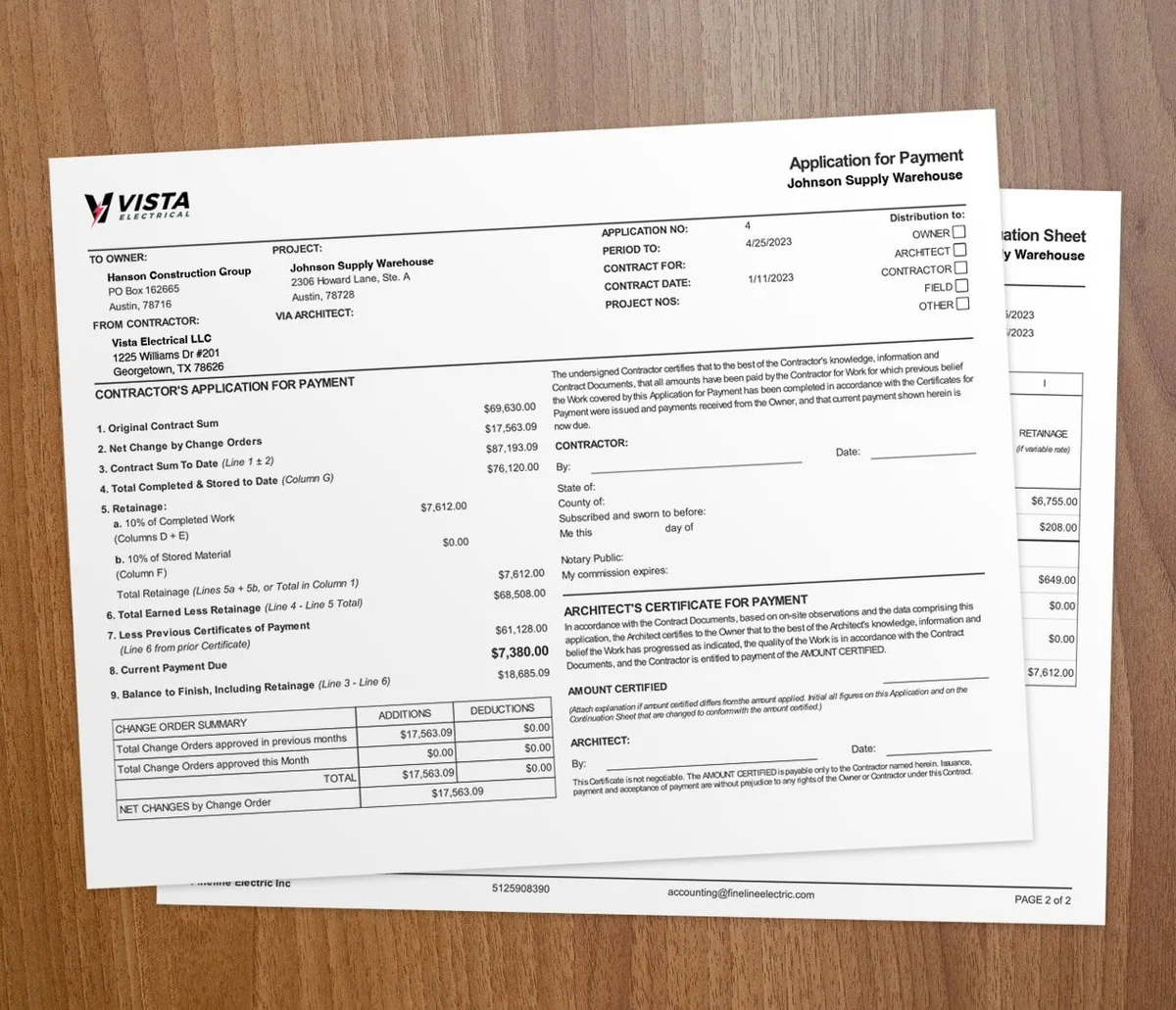
Job costing means assigning every dollar of labor, materials, equipment, and overhead to a specific job, then comparing those actual costs to your estimate. It is the difference between knowing and hoping. For electrical contractors running several jobs at once, it shows which work makes money so you price smarter.
What is job costing?
Job costing assigns all costs to a specific job. General accounting shows your whole business. Job costing shows which jobs made money and which did not. For electricians running several jobs at once, that detail is essential.
The key components
- Direct labor: Wages and benefits for electricians and apprentices, tracked by hours and rate.
- Materials: Wire, conduit, panels, fixtures, connectors, and every other part used on the job.
- Equipment: Cost of specialized tools, lifts, and gear allocated to the project.
- Subcontractors: Any work you sub out to other trades.
- Overhead allocation: A fair share of indirect costs like insurance, vehicles, office, and admin pay.
Why does job costing matter for electricians?
Accurate estimating
Past job cost data is the best input for future bids. When you know what similar jobs cost, you bid with confidence. Without that data, you guess. Guessing means leaving money on the table or losing bids.
Finding profit leaks
Job costing shows where money slips away. Maybe a job type runs over on labor, or material waste creeps up. These insights let you fix the real issue instead of cutting across the board.
Real-time project monitoring
With job costing in place, you watch costs as the job runs. When costs trend above your estimate, you can dig in and course-correct. That beats finding out after the job is done.
How to implement job costing
1. Track time by project
Accurate labor tracking is the foundation of job costing. Every hour must go against the right job and task. Mobile time tracking lets electricians clock in and out of jobs from their phones.
2. Track materials by project
Record every material used on each job. Include items pulled from inventory and items bought for the job. Many electricians set up job-specific purchase orders to make this simple.
3. Establish cost codes
Build a standard set of cost codes that sort costs the same way on every job. Common electrical codes include rough-in, trim-out, panel work, low-voltage, and service upgrades. Consistent coding makes job-to-job comparison meaningful.
4. Compare estimated vs. actual costs
The real power comes from comparing your estimate to actual results. Use real-time job costing to watch estimated versus actual costs as work happens. When variances pass your threshold, dig in right away.
5. Review completed jobs
After each job, run a post-mortem on estimated versus actual costs by category. Write down the lessons. Then update your estimate templates so the next bid is sharper.
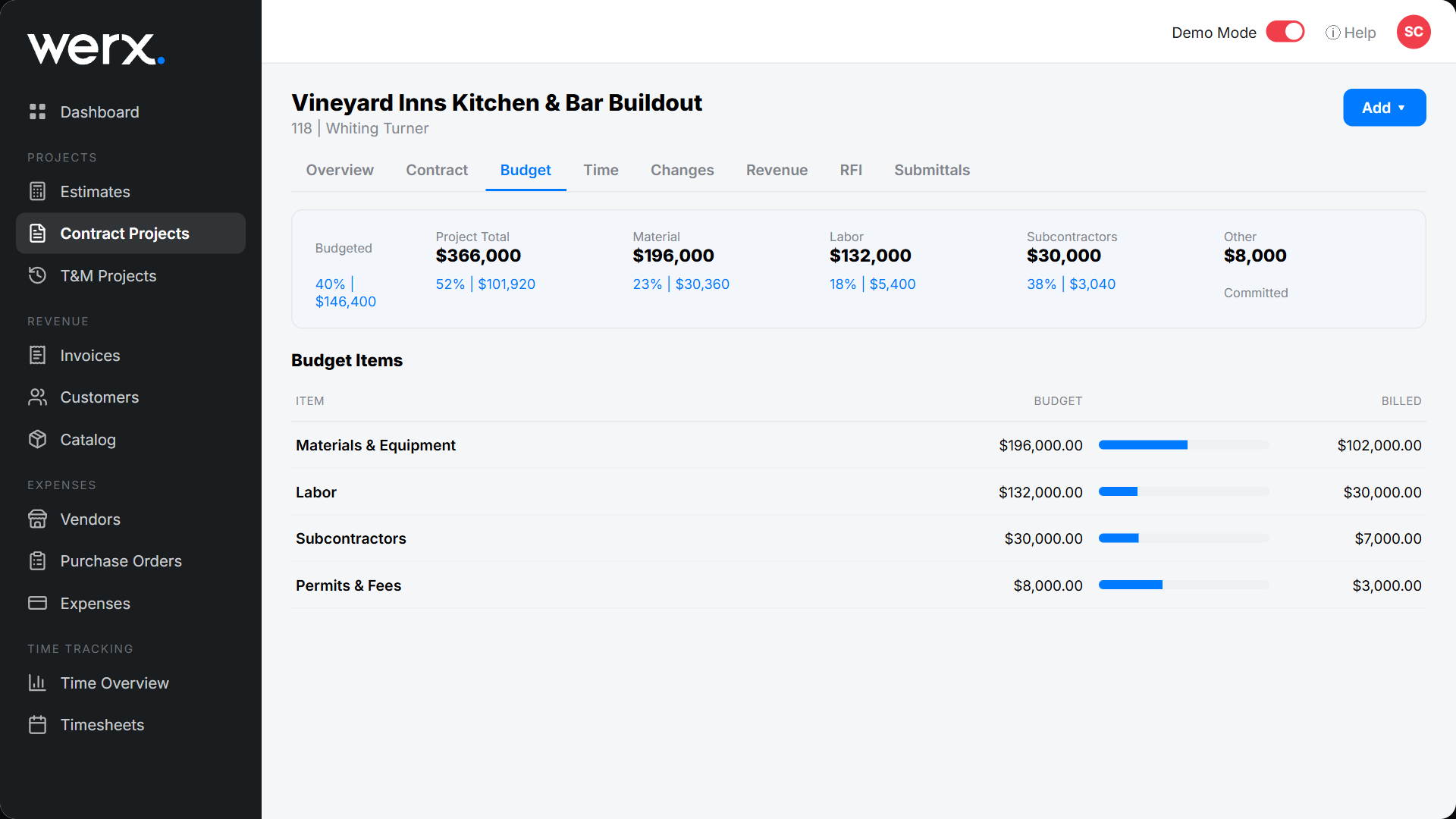
How technology simplifies job costing
Manual job costing is possible but hard to keep up. The data load buries most contractors within weeks. Contractor software handles the heavy lifting:
- Time tracking captures labor costs automatically
- Estimates set the baseline for comparison
- AIA billing tracks progress against budget
- QuickBooks integration syncs job costs with your books
Key metrics to monitor
Once your system runs, track these across jobs:
- Gross margin by job to find your most and least profitable work
- Labor cost as a percent of revenue to watch crew efficiency
- Material waste percent to spot room for improvement
- Estimated vs. actual hours to sharpen future labor estimates
Is detailed job costing worth it for your shop?
Detailed job costing pays off once you run more than one job at a time. If labor is your biggest cost, you need this view. It is a must on contract jobs with fixed budgets.
A single service call with one invoice may not need deep tracking. Once you add crews, apprentices, and subs, loose tracking gets costly. For the broader method, see our essential job costing tips and how to master real-time job costing.
Key takeaways
- Job costing assigns labor, materials, equipment, subs, and overhead to each job.
- Past job data is the best input for accurate, confident bids.
- Track time and materials by job to see costs as work happens.
- Consistent cost codes make job-to-job comparison meaningful.
- Job costing software automates tracking and syncs costs with QuickBooks Online.